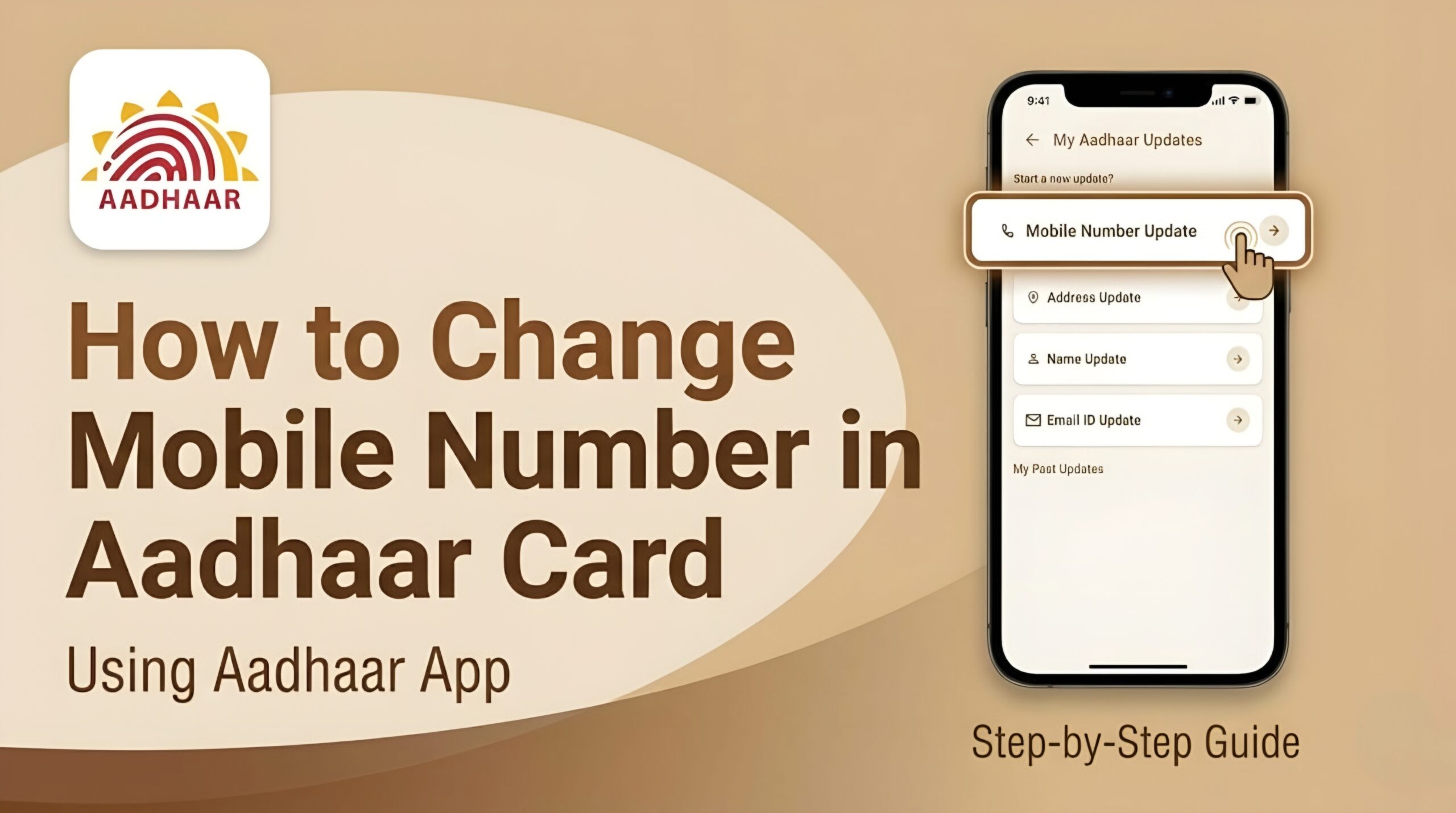
How to Change Mobile Number in Aadhaar Card
Follow Now..
How to Change Mobile Number in Aadhaar Card : UIDAI has recently launched the new Aadhaar App, with the help of which you can now change the mobile number registered on your Aadhaar card online from your mobile through the Aadhaar App.
Aadhaar Card Mobile Number Update
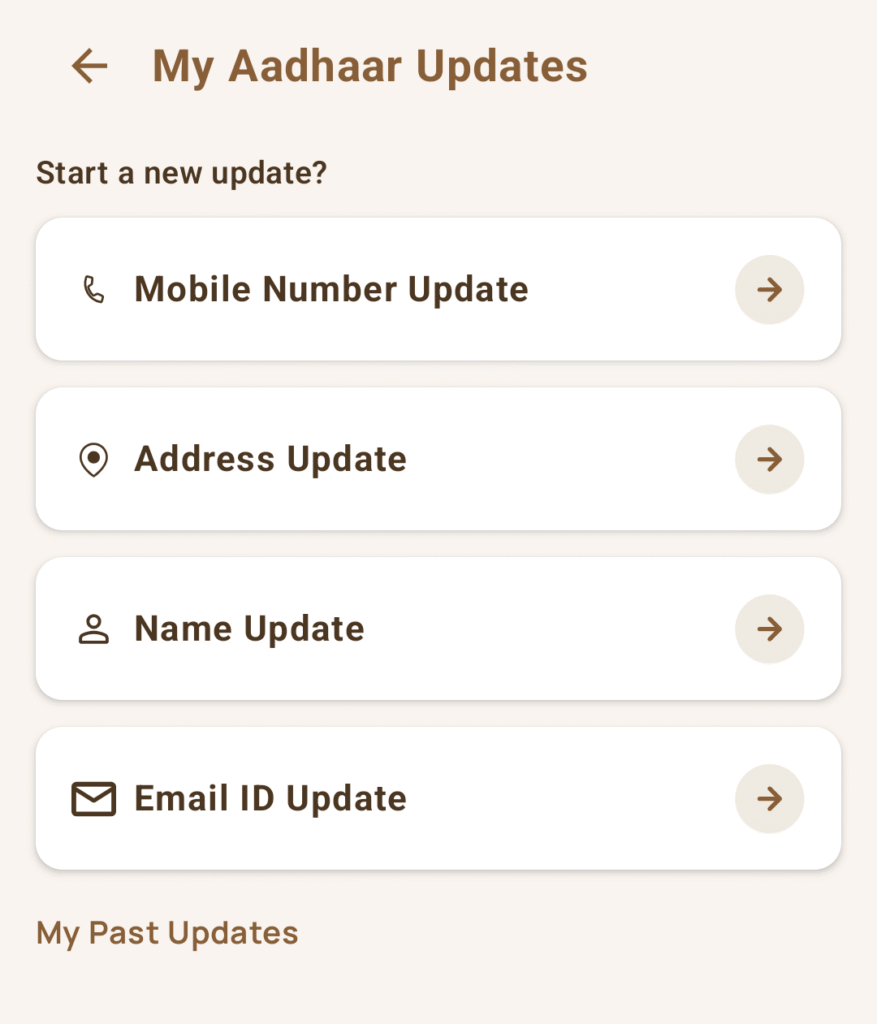
Services :
- Mobile Number Updated.
- Address Updated.
- Name Updated.
- Email Updated.
Process to Update Mobile Number in Aadhaar Card
Step 1 – To update the mobile number in the Aadhaar card, you need to install the Aadhaar app on your mobile by clicking on the link given below.
Step 2 – After this you have to login by filling your Aadhaar number.
Step 3 – After logging in, click on the services option and then click on the mobile number update option.
Step 4 – Later you have to fill your new mobile number, after this OTP will come on the new mobile number you had filled, after filling it you have to do your Face Authentication.
Step 5 – Finally, you have to make the payment and download the acknowledgment receipt. Your mobile number will be updated in a few days.
Aadhaar App Download Link
To download the Aadhaar Card app, everyone can install the Aadhaar app by clicking on the link given below.
| Heading | Links |
|---|---|
| Aadhaar App Download Link | Download |
| Offical Website | Visit Here |
| WhatsApp Group | Join Now |
| Telegram Group | Join Now |